Appstore and Playstore nightmare
- Admin
- Development
- 15 Mar, 2026
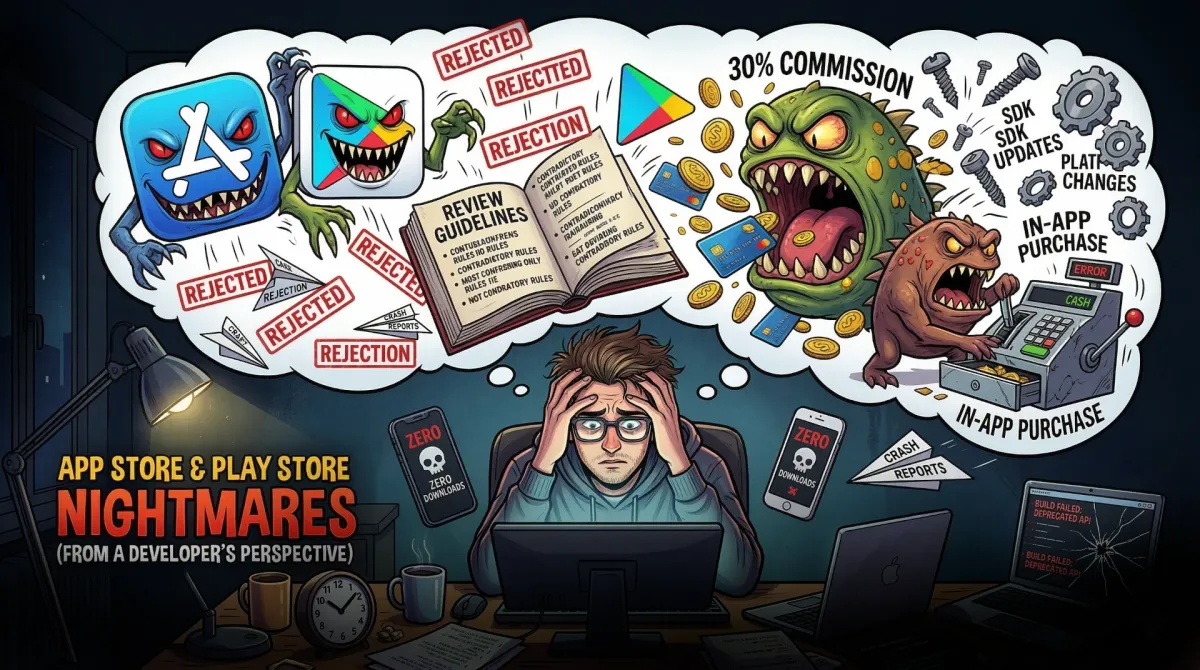
Releasing apps and seeing the first downloads feels amazing, but the journey to get there is another story.
Right now, two of my apps are fully released. One is Rule of Three Focus Android iOS
The other one, Kitchen Converter can be found on the Web, Android and iOS.
But what is the nightmare?
In the beginning, you don’t know nothing. You are living a happy life, built an amazing app (of course you forgot to start early with the marketing) and then you start the process of submitting it to the stores.
Just uploading, adding some descriptions and it’s done right?
WRONG
We have to deal with the app store review process, which can take days, weeks or even months.
The setup: you have to create keys, create the app entries, and for the Google Play Store, you need to create an API Service account if you want to use the Expo service. Annoying.
But that’s not the worst part, then you will have to add screenshots, previews, iPad, Tablet, iPhone, and finally submit it to the stores. Right?
NO!
Then you’ll have to create texts, keywords, descriptions, titles.
Sometimes the stores are picky about what you show. For example, picking the App logo as promotional image for your In App Purchase is a big mistake. Your App will get rejected.
The learning
I don’t want this article to be only a rant. But it took me some time to figure everything out. When you start getting into app development there are many tools you have to deal with, and every tool has it’s own quirks.
Screenshots and Previews
In the beginning I struggled to create good screenshots and previews. Currently I created some decent Canva templates for my apps.
Just now in this moment, while I write this article, I just realized that the Canva bulk editor would be another great way to simplify the process. I have to check that!
I learned a lot about previews. Similar to the thumbnail of a YouTube video, they need to be eye-catching and represent the app well.
If the app Icon or the screenshot looks like every other app chances are high the user will skip your app.
Descriptions
I think descriptions are difficult and important at the same time.
App Store Optimization relies on keywords, titles, and descriptions. Of course if a user really wants to know something before the download, the description needs to be informative and easy to understand.
But it’s not that easy. Especially if you have to translate the text in other languages. Since AI that part has become easier, but if you have terrible translations, the trust of the user will be gone quickly.
Conclusion
At the end of the day, it’s a huge hassle, but seeing your app live makes it all worth it. I hope that I will find a nice workflow for the app submissions. Currently there is a lot that I discover, what is worth improving.